AI Image Upscaler
Runs in your browserEnhance and upscale images using AI. Runs 100% in your browser — your images never leave your device. Choose 2× for speed or 4× for maximum detail.
What you can upscale
AI super-resolution reconstructs detail that simple resizing cannot. Here is what people upscale most often:
Old photos
Restore and enlarge scanned old photographs, preserving memories at higher resolution for printing and framing.
Screenshots & thumbnails
Sharpen small screenshots, app thumbnails, and UI captures for documentation and presentations.
Product images
Enlarge product photos for e-commerce listings without losing detail on textures, labels, and edges.
Social media photos
Upscale compressed Instagram or Twitter photos for reposting at full resolution on other platforms.
Art & illustrations
Enlarge digital art, sketches, and illustrations for printing posters, canvases, and merchandise.
Text & documents
Sharpen scanned documents, receipts, and screenshots with text for better readability and OCR accuracy.
Before & after
Upload a small or compressed image and watch the AI reconstruct detail that was lost. Edges get sharper, textures reappear, and the result looks like it was shot at higher resolution.

Left: original image. Right: AI-enhanced 2× upscale. Notice the sharper edges and recovered detail in the bridge structure.
2× vs 4× upscaling
Choose the scale that matches your needs. Both modes use the same ESPCN neural network — 4× simply applies it twice for maximum detail.
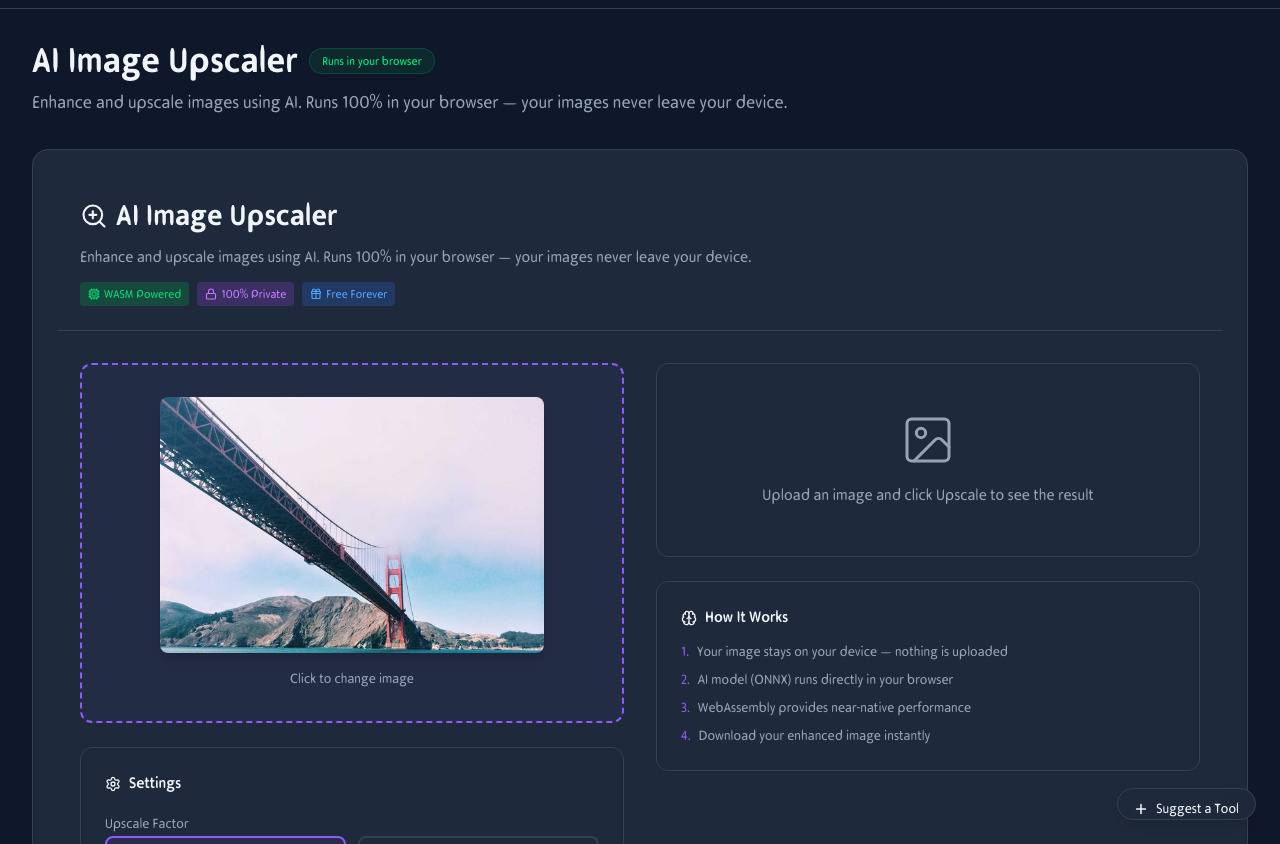
Upload an image, pick 2× or 4×, and click Upscale. The result appears in the comparison view.
2× — Fast & balanced
Doubles resolution in one pass. Best for most use cases: social media, web graphics, and quick edits. Processes in seconds.
4× — Maximum detail
Quadruples resolution for large prints, posters, and high-res displays. Takes longer but produces the sharpest output.
Privacy first
The ESPCN model and your image both stay in your browser tab. No server, no upload, no cloud processing. Your images are yours alone.
No upload
Your image never leaves your device. Everything processes locally.
No account
No signup, no login, no tracking. Use the tool anonymously.
No watermark
Download clean PNGs with no logo, no text overlay, no hidden marks.
Works on your phone
Upscale images on the go. Upload from your camera roll, pick a scale, and download the enhanced result — all from your phone.
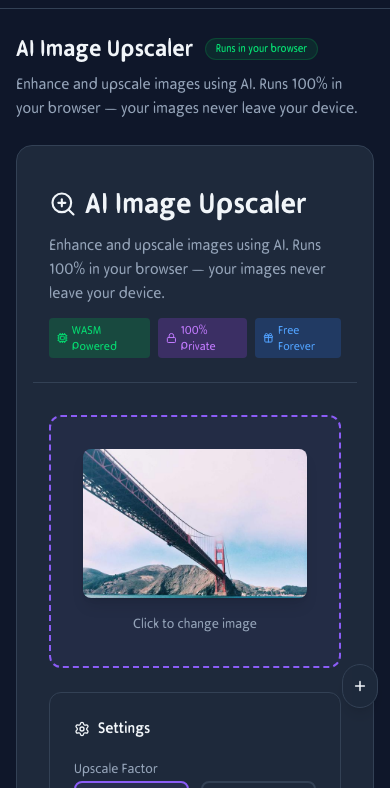
Image upscaling on mobile. Upload, choose 2× or 4×, and download.
How It Works
Upload Image
Drag and drop or click to upload. Supports JPG, PNG, and WebP formats.
Choose Scale
Select 2× or 4× upscaling. The AI model runs directly in your browser via WebGPU or WebAssembly.
Download
Get your enhanced image as PNG. No watermarks, no compression artifacts.
Frequently Asked Questions
How does the AI upscaling work?
The tool loads an ONNX neural network model in your browser. It enhances luminance detail then reconstructs color, producing sharper results than simple bicubic resize.
Is my image uploaded anywhere?
No. All processing happens locally in your browser using WebGPU or WebAssembly. Your images never leave your device.
What's the maximum image size?
Input images are capped at 512px on the longest side for AI processing to stay within browser memory limits. The output is scaled up from there.
What's the difference between 2× and 4×?
2× doubles the resolution (e.g. 500×500 → 1000×1000) and is faster. 4× quadruples it for maximum detail but takes longer.
What images work best?
Photos with clear subjects, screenshots, product images, and illustrations upscale well. Very blurry or heavily compressed images have less detail to reconstruct.
Can I upscale screenshots?
Yes. Screenshots and thumbnails benefit greatly from AI upscaling because they often have sharp edges and text that the model can enhance clearly.
Does it add fake detail?
The model reconstructs plausible detail based on patterns it learned during training. It does not invent faces or text — it enhances edges, textures, and fine structures.
Does it work on mobile?
Yes, but large images and 4× upscaling may be slow on phones. 2× mode works well on most modern devices.