Image Resize Tool
Runs in your browserResize images to exact dimensions or percentages. Batch process multiple images with social media presets. All in your browser — no upload, no watermark.
Resize anything, perfectly
Exact pixels, percentages, or social media presets — resize your images exactly how you need them. Batch process dozens at once.
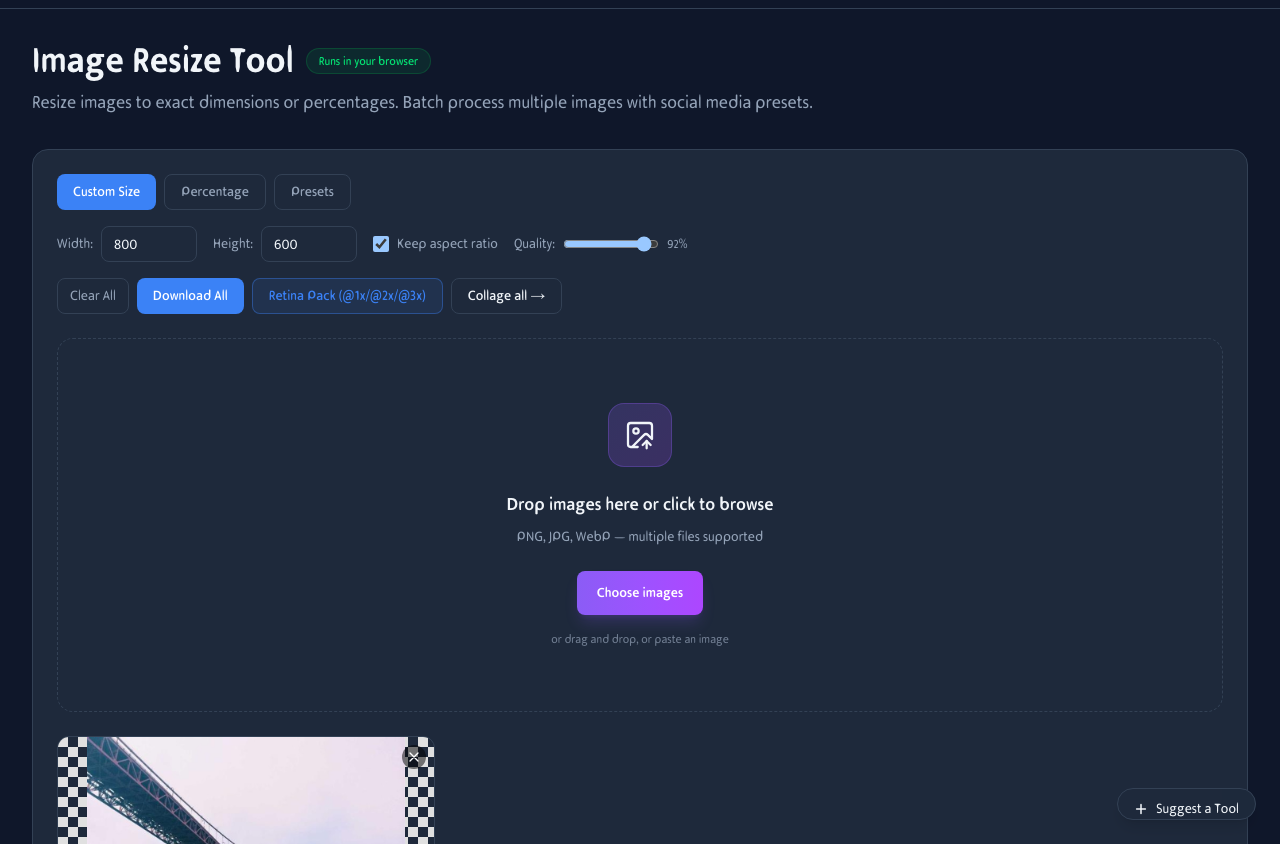
Upload images, pick a preset or set custom dimensions, adjust quality, and download. Batch processing supported.
Social media presets
One click and your image is sized perfectly for any platform. No more looking up dimension tables.
Post (1080×1080), Story (1080×1920), and Reel (1080×1920) presets ready to go.
YouTube
Thumbnail (1280×720), banner, and profile picture sizes. Optimized for the platform.
Twitter / X
Header (1500×500) and post (1200×675) sizes. Get the most impact from your images.
Banner (1584×396) and post (1200×627) sizes. Professional dimensions for business content.
Batch resize
Resize an entire folder of images in one go. Same settings applied to every file. Download individually or as a ZIP.
Multi-file upload
Drop a folder of images and they all get processed with the same settings. No repeated work.
ZIP download
Download all resized images as a single ZIP file. Keeps original filenames with size suffixes.
Resize on your phone
Batch resize photos from your camera roll. Pick a preset, set quality, and download — all from your phone.
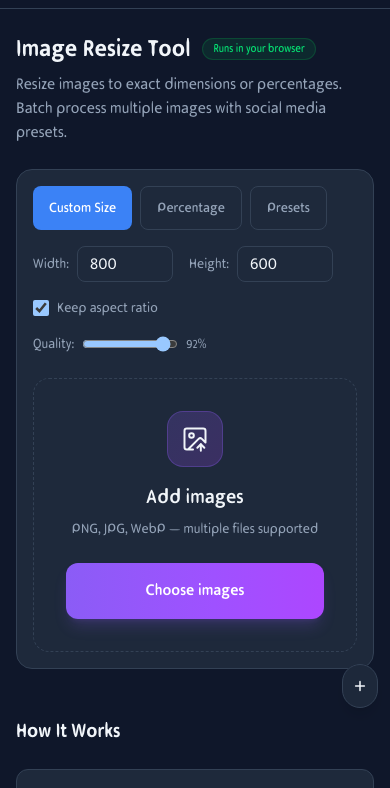
Image resizing on mobile. Upload, pick a preset, and download.
How It Works
Choose Size
Set custom dimensions, percentage scale, or pick a preset for social media.
Upload Images
Drag and drop or browse for one or more images to resize. Batch processing supported.
Download
Download resized images individually or all at once as a ZIP file.
Frequently Asked Questions
What presets are available?
Instagram Post/Story, Facebook, Twitter, LinkedIn, YouTube Thumbnail, HD, Full HD, 4K, Favicon, and App Icon sizes.
Can I maintain the aspect ratio?
Yes, in Custom Size mode you can toggle 'Keep aspect ratio' to prevent distortion.
What about image quality?
Use the quality slider (10-100%) to balance file size and quality. Higher quality = larger files.
How many images can I resize at once?
No limit — processing happens in your browser, so speed depends on your device.
What format are the resized images?
JPEGs stay as JPEG, other formats become PNG. Use the Format Converter for specific formats.
Can I resize by percentage?
Yes. Set a percentage like 50% or 200% and the tool scales every image proportionally.
Does it work on mobile?
Yes. Resize photos from your camera roll. Pick a preset, adjust quality, and download.
Is there a file size limit?
No server limits. Very large images may be slower on older devices, but there's no cap.