AI Background Remover
Runs in your browserRemove image backgrounds instantly with AI. Everything runs in your browser — your images never leave your device. Supports batch processing and background replacement.
What you can create
Remove backgrounds from any image and get a clean transparent PNG. Here is what people use it for:
Product photos
Clean studio-style product shots for e-commerce listings, catalogs, and ads. Replace with white or custom colors.
Profile pictures
Professional headshots with transparent or solid-color backgrounds for LinkedIn, resumes, and team pages.
Marketing graphics
Cut out subjects for banners, flyers, and social media graphics. Combine with the Banner Generator for full designs.
Social media posts
Create layered Instagram and Pinterest content by removing backgrounds and placing subjects on new backdrops.
Stickers & decals
Remove backgrounds and send straight to the Sticker Generator for transparent PNGs and SVG vectors.
Photo collages
Batch-remove backgrounds from multiple photos, then combine them into collages using the Media Collage tool.
Remove backgrounds in your browser
The RMBG-2.0 model runs entirely on your device using WebGPU. No server upload means complete privacy and instant processing.
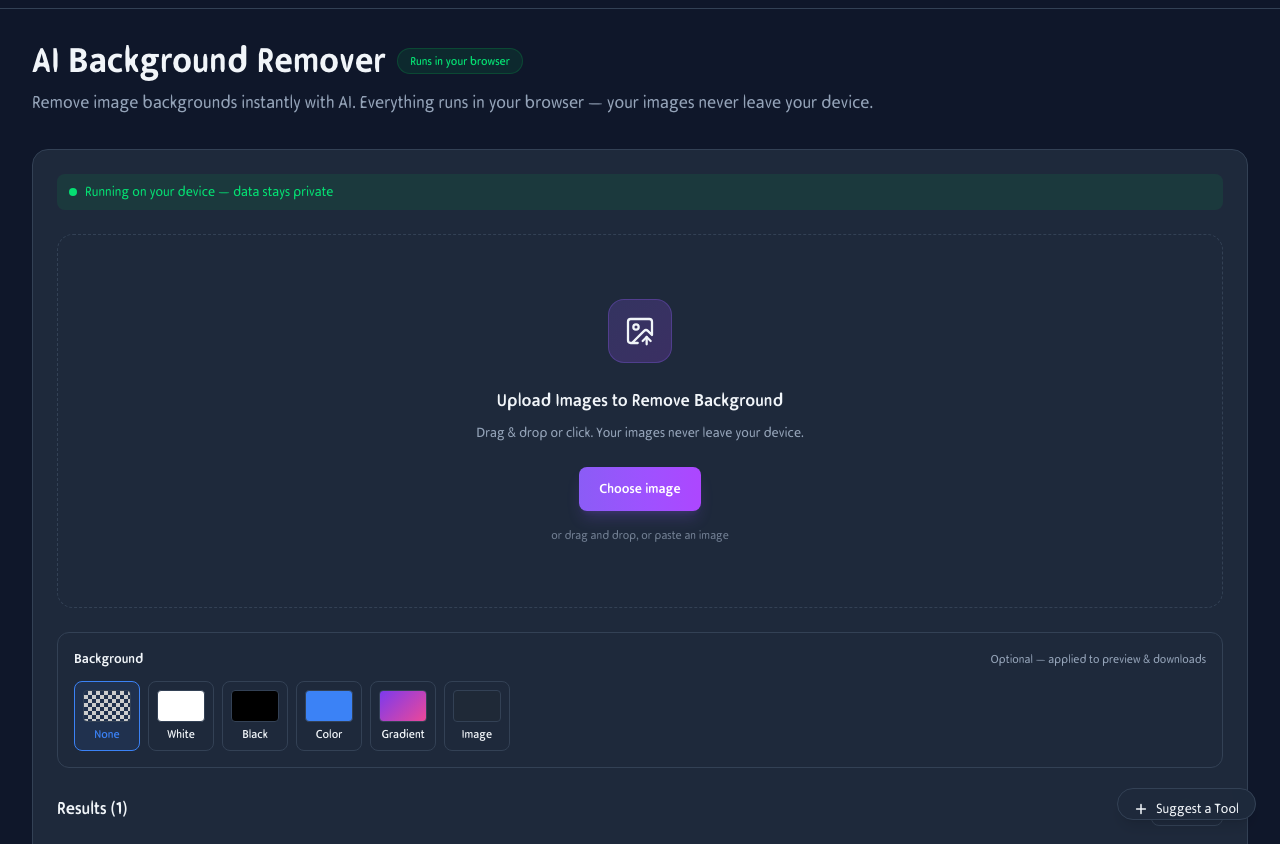
Upload images, remove backgrounds, and choose from transparent, white, black, color, gradient, or custom image backgrounds.
Batch processing
Upload multiple images at once and process them all in sequence. Each result appears in the gallery with a one-click download button.
Multi-file upload
Drag and drop a folder of images or select multiple files. The tool queues them and processes each one automatically.
Download all at once
Each processed image gets an individual download button. Batch-download every result as a ZIP file with one click.
Before & after
Upload a portrait and get a clean cutout in seconds. The AI detects the subject and removes everything else — hair edges and all.

The AI cleanly separates the subject from the background. Hair, fur, and translucent edges are preserved automatically.
Replace the background
After removing the background, swap it for something new. Choose from presets or upload your own backdrop image.
Solid colors
White, black, or any custom color. Perfect for product photos and headshots.
Gradients
Smooth color transitions from light to dark. Great for portraits and creative headshots.
Custom backdrop
Upload your own background image. Drop the subject onto any scene you want.
Works great on your phone
Upload photos, remove backgrounds, and download transparent PNGs — all from your phone. No app install needed.
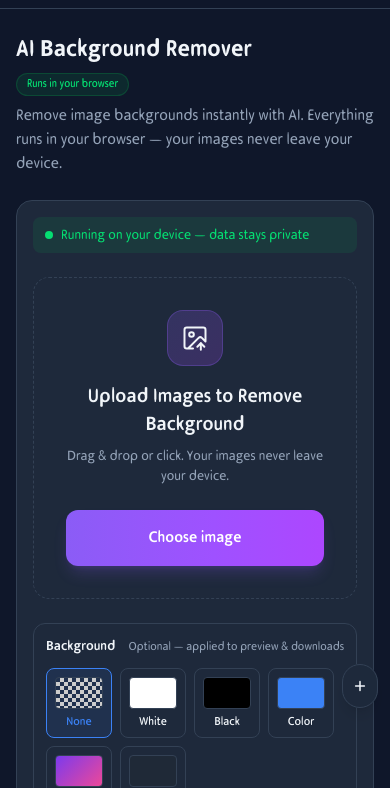
Full background removal on mobile. Upload from your camera roll and download transparent PNGs instantly.
How It Works
Upload Images
Drag and drop or select one or more images from your device. JPG, PNG, and WebP are supported.
AI Removes Background
The RMBG-2.0 AI model runs in your browser to detect and remove the background. Processing stays on your device.
Download or Replace
Get transparent PNGs, or replace the background with white, black, a solid color, gradient, or another image.
Frequently Asked Questions
Does my image get uploaded to a server?
No. The AI model runs entirely in your browser using WebGPU. Your image never leaves your device.
Can I process multiple images?
Yes — upload multiple images and they will be processed one by one in your browser. Each result appears in the gallery below the tool.
How large is the AI model?
The RMBG-2.0 model is about 176MB. It downloads once and is cached in your browser for future use.
What types of backgrounds work best?
Works great with portraits, product photos, and images with clear foreground subjects. Complex backgrounds with similar colors may need manual refinement.
Can I replace the background instead of making it transparent?
Yes. After removing the background, you can choose White, Black, a custom Color, a Gradient, or upload another Image as the new background.
What output format do I get?
Transparent backgrounds are saved as PNG. If you replace the background with a color or image, you can download as PNG or JPEG.
Is there a file size limit?
Images up to about 20 MB are accepted. Very large images are resized before processing to stay within browser memory limits.
Does it work on mobile?
Yes. The entire tool is responsive. Upload images, remove backgrounds, and download results — all from your phone.