Image Crop Tool
Runs in your browserCrop images with precision. Choose from preset aspect ratios or crop freely — all in your browser. No upload, no watermark, instant download.
Crop with confidence
Visual crop box with draggable handles, preset ratios, and real-time preview. See exactly what you'll get before you download.
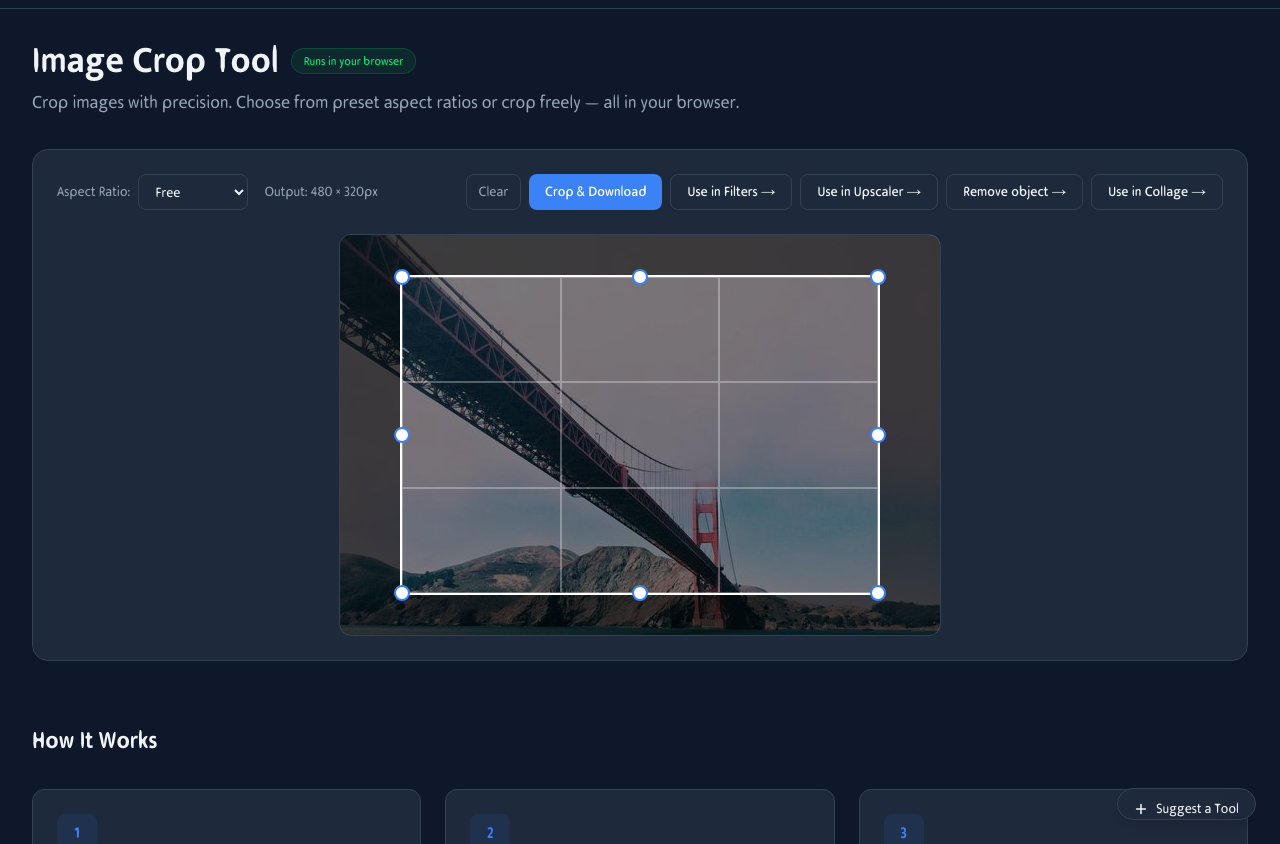
Upload a photo, drag the crop box, choose an aspect ratio preset, and download the cropped result.
See it in action
Upload a photo, drag the crop box, and pick a ratio preset. The preview updates in real time so you know exactly what you will get.

Drag handles to resize, drag the box to reposition, or pick a preset for instant social media dimensions.
Presets for every platform
Stop guessing dimensions. Pick a preset and your crop box snaps to the perfect ratio for your destination.
1:1 Square
Instagram posts, profile pictures, and thumbnails. The classic square format.
16:9 Widescreen
YouTube thumbnails, Twitter headers, and desktop wallpapers. The standard video ratio.
9:16 Stories
Instagram Stories, TikTok, and Snapchat. Full-screen vertical for mobile-first content.
Free crop
Any dimensions you want. Drag handles freely or type exact pixel values for precision.
Crop on your phone
Perfect for social media posts on the go. Upload from camera roll, pick a ratio, and download — no app needed.
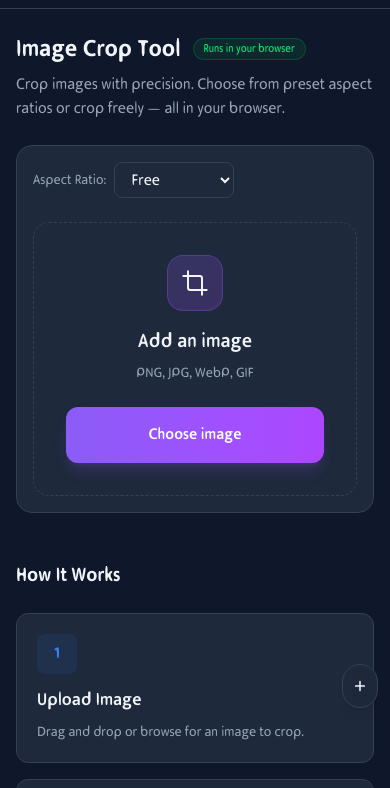
Image cropping on mobile. Upload, pick a ratio, and download instantly.
How It Works
Upload Image
Drag and drop or browse for an image to crop. JPG, PNG, and WebP supported.
Select Area
Drag the crop box to select the area you want to keep. Use handles to resize. Pick from preset ratios or free crop.
Download
Click Crop & Download to save your cropped image as PNG. No watermarks, no quality loss.
Frequently Asked Questions
What aspect ratios are available?
Free crop, 1:1 (square), 4:3, 3:2, 16:9, 9:16 (stories), 3:4 (portrait), and 2:3 (portrait).
Can I crop multiple images?
This tool focuses on precision cropping one image at a time. For batch processing, try the Image Resize tool.
Is there a size limit?
No server limits since everything runs locally. Very large images may be slower on older devices.
What format is the output?
Cropped images are saved as PNG to preserve quality. Use the Format Converter for other formats.
Can I rotate the image before cropping?
Yes. Use the rotate controls to straighten horizons or flip orientation before setting the crop area.
Does it preserve image quality?
Yes. The crop is pixel-perfect and the output is PNG (lossless). No re-compression artifacts are introduced.
Can I use custom dimensions?
Yes. Switch to free crop mode and drag the handles to any size you need, or type exact pixel dimensions.
Does it work on mobile?
Yes. Upload photos from your camera roll, pinch to zoom, drag the crop box, and download — all from your phone.