Free Online Vector Drawing
Runs in your browserPure-vector drawing on an infinite canvas. SVG is the native document — every stroke, shape, and text element is a real path, scalable to any size with no quality loss. Powered by ThorVG WASM.
Draw on an infinite canvas
No fixed canvas size. Pan forever, zoom forever, and never run out of space. Your drawing grows as your ideas grow.
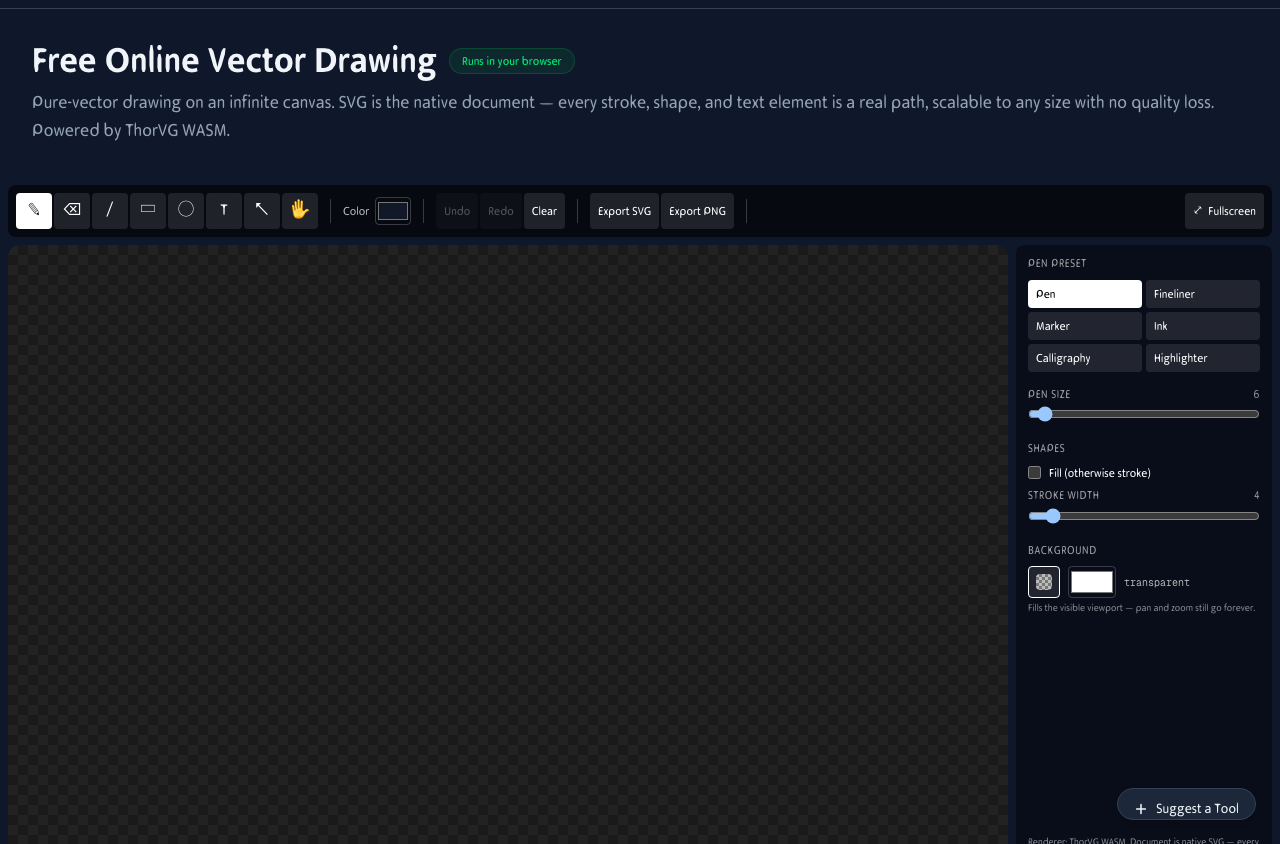
Infinite canvas with pen, shapes, text, and eraser tools. Zoom and pan without limits. Every stroke is a real SVG path.
What you can create
Pure vector output means infinite scalability. Here is what people draw most often:
Logos & icons
Clean line art and geometric shapes that scale from favicon to billboard without pixelation.
Diagrams & flowcharts
Connect shapes with lines, add labels, and export for documentation, presentations, and whitepapers.
Line art & illustrations
Smooth vector strokes for character art, fashion sketches, and technical illustrations.
Stickers & decals
The eraser creates real transparency through SVG masks. Perfect for stickers, overlays, and cutouts.
True SVG export
Every shape on the canvas is already a path. Export is just serialization — no rasterization, no quality loss.
Infinite scaling
Print at business card or billboard size. The edges stay mathematically perfect.
Round-trip editing
Open exported SVGs back in Illustrator, Inkscape, or Figma. Edit colors, paths, and text freely.
Web-ready
Drop the SVG into any HTML page. It renders crisply on all screens without extra image assets.
Vector art on the go
Draw vector art on your iPad with Apple Pencil or on your phone with touch. The infinite canvas works on any screen size.
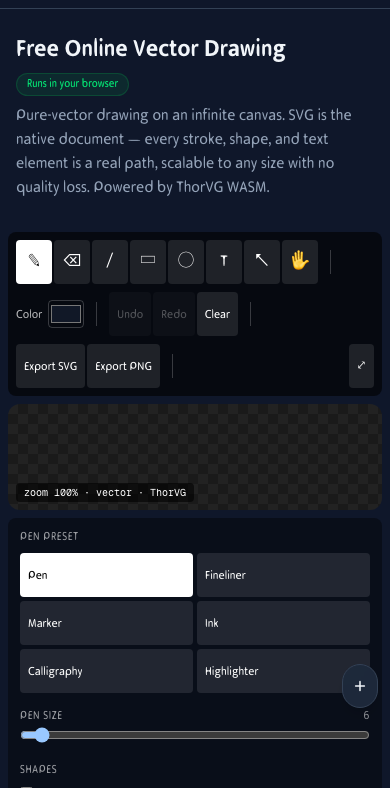
Vector drawing on mobile. Full toolset, infinite canvas, and SVG export.
How It Works
Pick a tool, color, and pen preset
Pen, eraser, line, rectangle, ellipse, text. Six pen presets — Pen, Fineliner, Marker, Ink, Calligraphy, Highlighter — all clean vector outlines. No raster stamps.
Draw on an infinite canvas
Pan and zoom forever. Mousewheel zooms around the cursor; hold space to pan. Pressure-aware pen via Pointer Events — Apple Pencil, Wacom, Surface Pen.
Eraser punches real transparency
The eraser writes to an SVG mask. Holes are real holes — the alpha channel goes all the way through, perfect for stickers and logos.
Export as a true SVG
Every stroke is already a path; export is just serialization. Open the file in Illustrator, Inkscape, Figma, or any browser. Scale to billboard size with no quality loss.
Frequently Asked Questions
How is this different from the regular drawing tool?
The original /drawing-tool/ is built for sketching — it has raster brushes (pencil, chalk, spray) that produce textured strokes. This tool is purely vector: every mark is a real SVG path, the canvas is infinite, and the document round-trips losslessly through SVG. Use the original for expressive sketching, this one for clean line art, logos, diagrams, and anything you need to scale.
What renderer powers this?
ThorVG, a production-grade SVG/Lottie renderer used in Samsung's wearable UI and LottieFiles. It compiles to WebAssembly and runs in any modern browser — no WebGPU required. The drawing document IS the SVG; ThorVG rasterizes it for display every frame.
Is it really infinite?
Yes — all coordinates are world-space, the canvas just shows a viewport into them. Zoom out to see your whole composition, zoom in to draw fine detail at any scale, pan to anywhere. There's no fixed canvas size.
Can I import an existing SVG?
Yes — the document parser is the inverse of the exporter, so any SVG produced by this tool round-trips. Import of arbitrary third-party SVGs is best-effort: paths, rects, ellipses, lines, text, and images are recognized.
What can I create with this?
Logos, icons, diagrams, technical illustrations, clean line art, UI mockups, and anything that needs to scale. The SVG output works in browsers, design tools, and print workflows.
Does it work with a stylus?
Yes. Apple Pencil, Wacom, Surface Pen, and any stylus that supports Pointer Events with pressure. The pen tool responds to pressure for variable stroke width.
Is it free?
Yes. No signup, no watermark, no paid features. Everything is free and runs in your browser.
Can I use it offline?
After the first load, assets are cached. Most browsers let you draw without an internet connection.
Built With Open Source
SVG/Lottie renderer compiled to WebAssembly. SVG is a first-class input.
Pressure-aware variable-width stroke geometry, flattened to SVG paths.
Native document format — exports are byte-identical to in-memory state.
Unified pen, touch, and mouse input with pressure.