Face Blur & Mask
Runs in your browserBlur, pixelate, or mask faces in photos, videos, and webcam streams. Head-tilt-aware emoji stickers, black bars, and custom colors — all in your browser. Nothing uploaded.
5 ways to cover a face
From subtle blur to playful emoji stickers — pick the style that fits your privacy needs or creative vision.
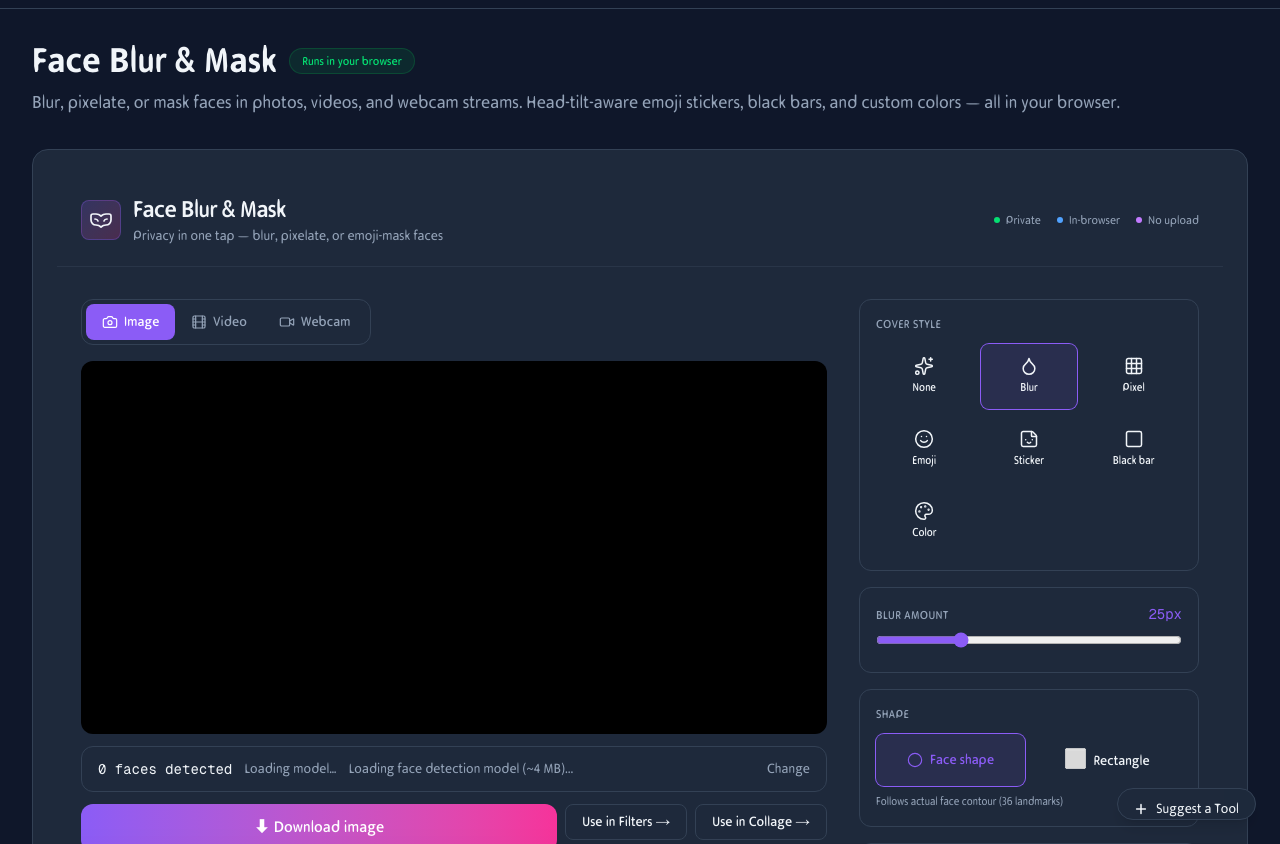
Upload a photo or video and the AI detects every face automatically. Choose blur, pixelate, black bar, color, or emoji sticker.
Gaussian blur
Soft, natural-looking blur that obscures identity while keeping the photo usable. Great for press and editorial.
Pixelate
Classic mosaic effect. unmistakably anonymous. Works on any face size and orientation.
Emoji stickers
9 fun stickers that rotate with head tilt — cool, laugh, alien, robot, mask, ninja, heart, fire, thumbs-up.
Before & after
Upload a portrait and the AI detects the face instantly. Choose blur, pixelate, or an emoji sticker — the effect follows the face even as it turns.

The AI detects 478 facial landmarks and applies the blur precisely to the face area. Works on single portraits and group photos.
When to blur a face
Privacy, compliance, and creativity — face masking has more uses than you might think.
Privacy & compliance
GDPR, CCPA, and journalistic ethics often require anonymizing individuals in published photos and videos.
Press & documentary
Protect sources, witnesses, and minors while still telling the story with visual context intact.
Schools & events
Share group photos and event footage while respecting parents' wishes for their children's privacy.
Content creation
Blur bystanders in vlogs, street photography, and reaction videos before publishing.
Privacy in your pocket
Upload photos from your camera roll, blur faces, and share — all from your phone. No app install needed.
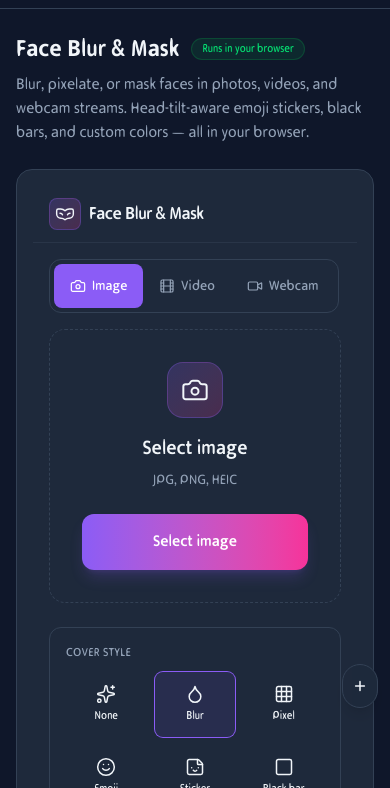
Face blur on mobile. Upload, auto-detect, cover, and download.
How It Works
Upload or Record
Drop an image, video, or enable your webcam. Files never leave your device.
Choose Cover Style
Blur, pixelate, black bar, solid color, or emoji sticker. Stickers rotate with head tilt.
Download
Export the processed image or video. No watermark, no account required.
Frequently Asked Questions
How does face detection work?
We use Google's MediaPipe Face Landmarker to find 478 3D landmarks per face. It runs entirely in your browser via WebAssembly — nothing is uploaded.
Does it work on multiple faces?
Yes. Every detected face is covered. Works on group photos and videos with several people in frame.
What cover styles are available?
Gaussian blur, pixelate (mosaic), black bar, custom solid color, and 9 emoji stickers (cool, laugh, alien, robot, mask, ninja, heart, fire, thumbs-up) that rotate with head tilt.
Can I blur my own face during a live webcam stream?
Yes. Switch to webcam mode to see the effect applied in real time. Useful for testing before recording or for privacy screenshots.
What file formats are supported?
Images: JPG, PNG, WebP. Videos: MP4, MOV, WebM. Output video format depends on your browser — MP4 on iOS/Safari, WebM on Chrome/Firefox.
Is there a file size limit?
No hard server limit since everything runs locally. Very long videos or 4K footage may be slow on older devices.
Does it keep the original audio?
Yes. Video audio is preserved in the processed output.
Any watermarks or account needed?
No watermarks, no account, no daily limits. Free forever.