Image to Text (OCR)
Browser + ServerUpload or paste any image and extract text instantly using AI. Supports screenshots, photos of documents, handwriting, signs, and more. Free and private.
See it in action
Upload or paste an image and the AI reads every word. Extracted text appears below the image, ready to copy and use.

The AI extracts all visible text while preserving structure and formatting. Copy the result with one click.
Turn any image into editable text
Screenshots, photos, scans, signs — if there's text in the image, the AI will find it and extract it.
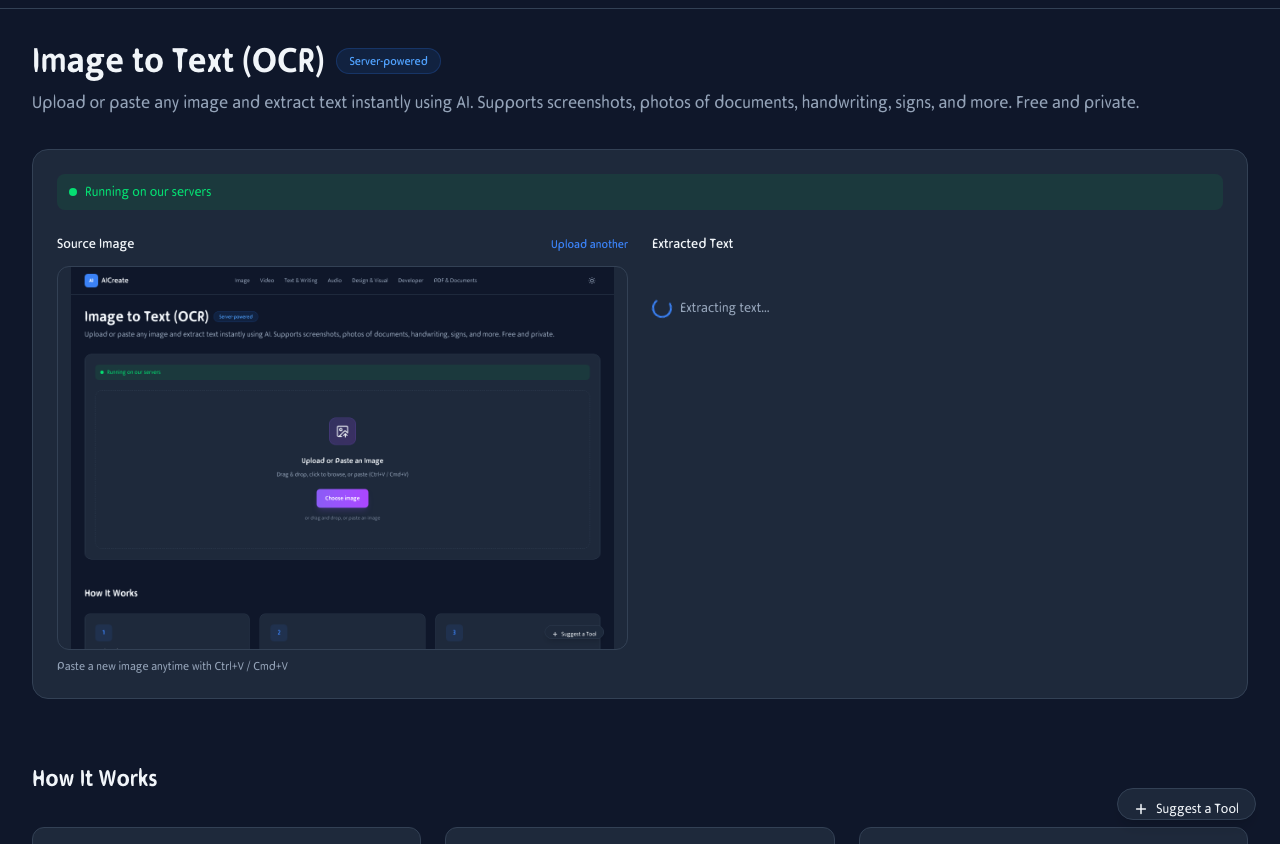
Upload or paste an image and the AI extracts all visible text in seconds. Copy the result with one click.
Screenshots
Copy text from error messages, chat logs, and UI screenshots without retyping. Just paste and extract.
Documents & scans
Digitize printed documents, receipts, invoices, and forms without a scanner app. Photo + extract = done.
Signs & labels
Translate foreign signs, copy serial numbers, or extract ingredients from product labels while shopping.
Business cards
Snap a photo of a business card and extract name, phone, email, and address into your contacts.
Books & articles
Quote passages from physical books and magazines without typing. Extract, copy, and cite.
Handwriting
Digitize notes, to-do lists, and journal entries. Neat handwriting works best; messy writing may need cleanup.
How the AI reads your images
Powered by Gemma 4 — a multimodal AI that "sees" the image and "writes" the text it finds. Runs in your browser when possible.
Vision analysis
The AI scans the entire image, identifies text regions, and reads characters in any orientation.
Multilingual
Recognizes text in 50+ languages including Latin, Cyrillic, CJK, Arabic, and Devanagari scripts.
Privacy first
On modern browsers, everything runs locally. Your images never leave your device unless you opt into the server fallback.
OCR in your pocket
Take a photo, upload it, and extract text — all from your phone. No scanner app needed.
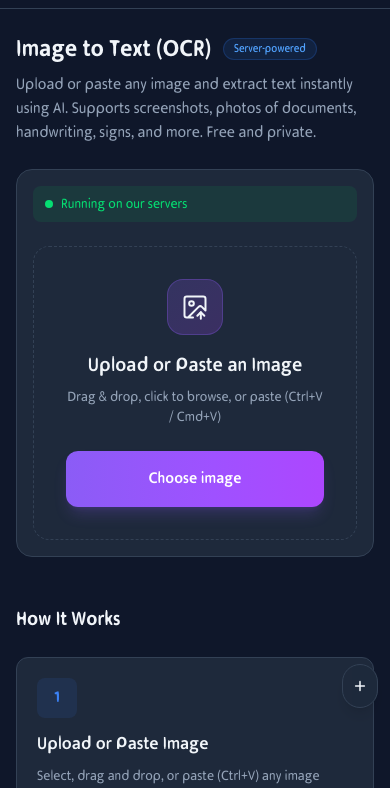
Extract text on mobile. Snap a photo, upload, and copy the result.
How It Works
Upload or Paste Image
Select, drag and drop, or paste (Ctrl+V) any image containing text — screenshots, photos of documents, signs, handwriting, and more.
AI Extracts Text
A vision AI model analyzes your image and extracts all visible text while preserving formatting and structure.
Copy & Use
Copy the extracted text with one click. Use it in documents, emails, code, or anywhere you need it.
Frequently Asked Questions
What types of images work best?
Clear screenshots, scanned documents, photos of printed text, signs, labels, and business cards work great. Handwriting recognition depends on legibility. For best results, use well-lit, high-contrast images.
Does it support multiple languages?
Yes. The AI model can recognize text in most major languages including English, Spanish, French, German, Chinese, Japanese, Korean, Arabic, and many more.
Is my data private?
On devices with WebGPU support (most modern desktop browsers), the AI runs entirely in your browser — your image never leaves your device. On older devices or mobile, a server fallback processes your image securely.
How large is the AI model?
The OCR is powered by Gemma 4 E2B (about 1.5 GB). It downloads once and is cached in your browser. If you've used another AI tool on this site, the model may already be loaded.
Can I paste images from my clipboard?
Yes! Just press Ctrl+V (or Cmd+V on Mac) anywhere on the page to paste an image from your clipboard. This works great for screenshots.
Does it preserve formatting?
The AI attempts to preserve line breaks, paragraphs, and basic structure. Tables and complex layouts may need minor cleanup after extraction.
Can it read handwriting?
Yes, but accuracy depends on legibility. Neat handwriting is recognized well. Messy or cursive writing may have errors.
Does it work on mobile?
Yes. Take a photo with your camera, upload it, and extract text instantly. Great for digitizing receipts, business cards, and notes on the go.